3D Image Laboratory
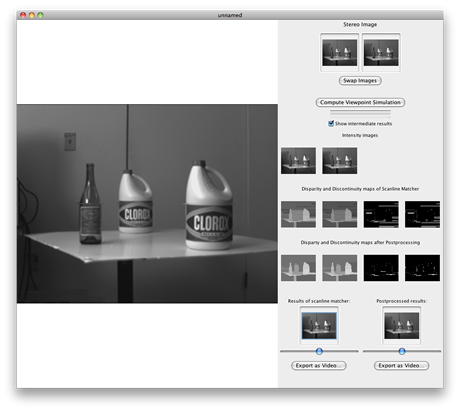
This is experimental software with incomplete functionality. The menu items don't work – just drag images into the "Stereo Image" image wells, then click "Compute Viewpoint Simulation" and wait until the processing finished. Sometimes you have to swap the left with the right image to get proper results.
You can use the sliders to transition between the viewpoints.
Click "Export as Video" to export the viewpoint transition as a QuickTime video.
The exported videos are quite large. To compress them, load them into the QuickTime player, and then use the menu "Save for Web…".
Note that altough this software can load stereo pictures (.MPO files) taken from a Finepix Real 3D W1 camera, it does not actually create useful results with these pictures. This is because my software does not rectify the images before processing them.
Example Videos
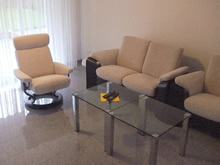 Living Room
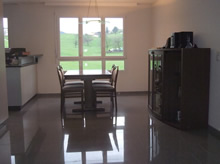 Dining Room
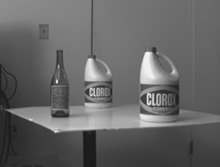 Clorox Bottles
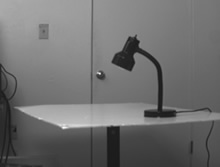 Lamp
LampHow it works
This software makes use of disparity maps between a stereo image pair. A disparity map describes the distance between corresponding points on two images.
The video gradually displaces the pixels from their original location up to the distance given by the disparity maps. Pixels on the left image which become obscured by the transition are filled in by pixels taken from a transition computed from the right image.
I took the algorithm for computing the disparity maps from the publication «Depth Discontinuities by Pixel-to-Pixel Stereo» by Stan Birchfield and Carlo Tomasi.
The algorithm works with gray scale images. To get good results with color images, my program converts them into the YCC color space, and then uses the Y-channel as input for the algorithm.
Java Web Start Demo

Please note that this is experimental software with incomplete functionality.
This software accesses your hard disk for loading and saving image files and thus requires full privileges.